Project Overview
Client/Project: Share VP (a video-sharing/demo platform)
Platform: Webflow
Role: Design, front-end development, CMS integration, and interactive animations
Goal: Create a polished, responsive site to present video content attractively, encourage sharing, and support dynamic updates.
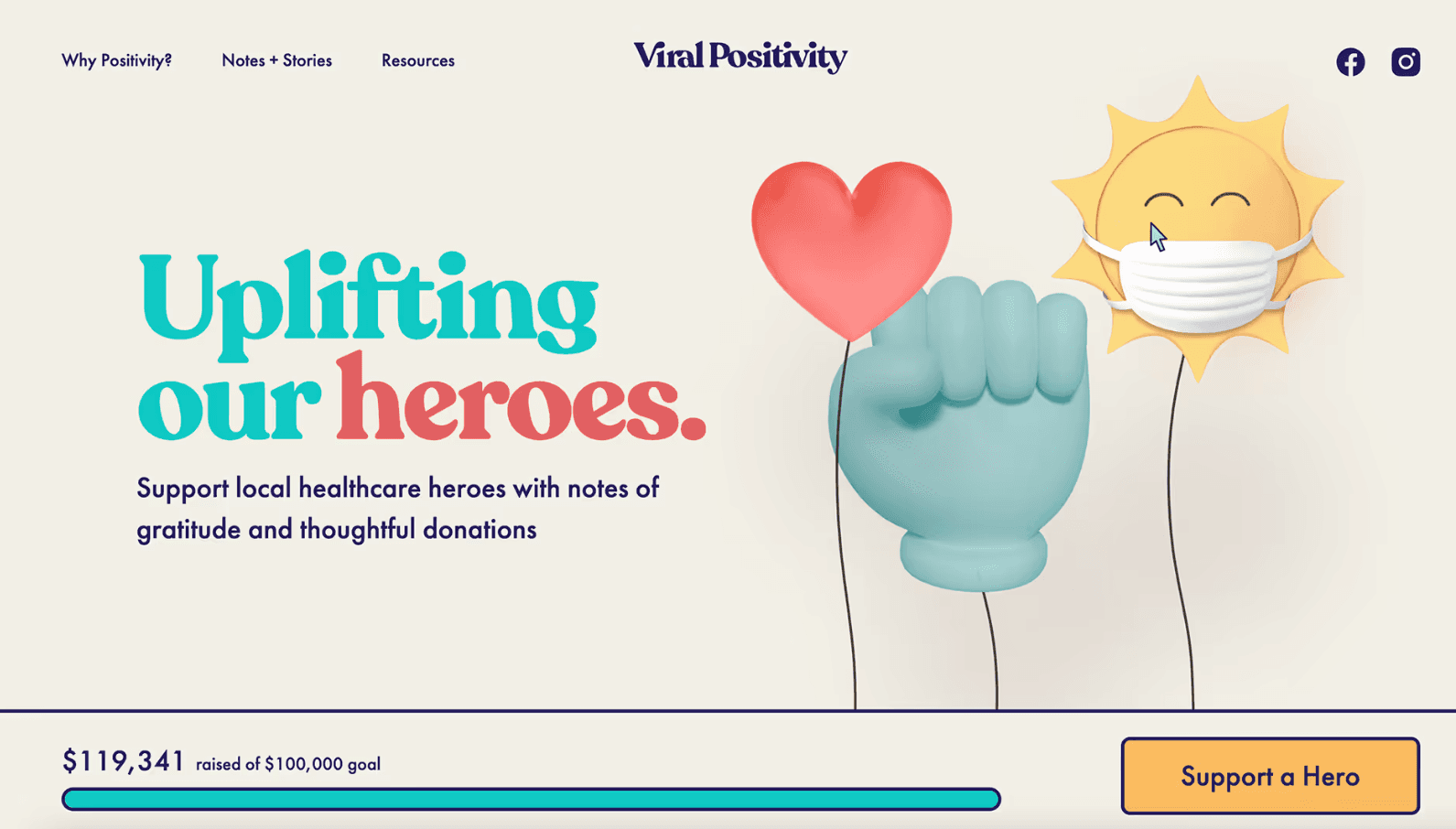
Approach & Key Features
1. Strategic Planning & Visual Design
Mapped site content to prioritize featured videos, use cases, and calls to action.
Developed clean, modern Figma mockups emphasizing video thumbnails, intuitive UI, and balance between visual weight and whitespace.
2. Responsive Development in Webflow
Used Webflow flexbox and grid to ensure videos and text resize seamlessly across devices.
Ensured previews are sharp and vibrant without slowing down via Webflow image optimization.
3. CMS Setup for Scalable Video Management
Built CMS collections to host video metadata—title, description, thumbnail, and embed link.
Enabled client-side CRUD: adding, editing, deleting videos with no dev support.
4. Interactive Effects & Micro-Interactions
Incorporated hover overlays on video cards with play icons for improved discovery.
Smooth transitions between sections (e.g., “Featured” → “All Videos”) enhance user engagement.
5. Performance & Launch
Used lazy loading and Lite embed options to ensure fast page speed.
SEO optimized with metadata, structured markup, and sitemap generation.
Results & Impact
High Engagement: Spot-on UI and interactions led to increased click-through rates on video thumbnail cards.
Client Efficiency: CMS implementation gave the client full control to update video listings instantly.
Robust Responsiveness: Design was pixel-perfect across desktop, tablets, and mobile devices.
Ideal for Expansion: Layout is ready to accommodate new content, sections, or modules as the platform scales.
Challenges
Handling Multiple Video Embeds & Load Management
Challenge: Embedding multiple video players (e.g., YouTube/Vimeo) can cause high asset loading and slower page performance.
Solution: Utilized Webflow lazy loading option along with thumbnail previews; video players only load on click. This approach kept initial page load fast while preserving video content access.
Structuring CMS for Flexible Video Display
Challenge: Need for varied layouts—featured big hero video vs. grid of thumbnails.
Solution: Split CMS into separate collections (e.g., Featured Videos, Regular Videos) and used conditional visibility in Webflow to enable flexible presentation controlled via entry-level flags.
Achieving Seamless Interactivity
Challenge: Delivering hover/tap animations without overwhelming page performance.
Solution: Lean deployment of Webflow Interactions with consistent easing and duration. Kept every animation under 200 ms to preserve fluid UX.
Key Takeaways
Easy to Update:
The website was built using Webflow CMS, so the client can easily add or change videos without needing a developer.Fast Loading:
Videos only load when clicked, which helps the site open quickly and run smoothly.Works on All Devices:
The layout adjusts perfectly on phones, tablets, and desktops, making it user-friendly everywhere.Future-Ready Design:
The site is designed in a flexible way so it’s easy to add more content or new features later on.Smooth User Experience:
Animations and interactions are clean and fast, helping users enjoy browsing without slowdowns.